Anker
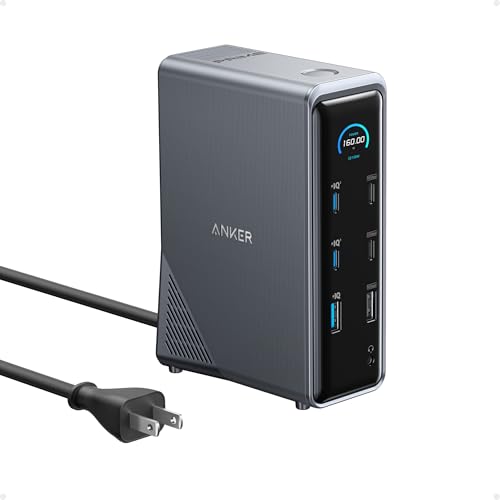
Anker Prime 14-in-1
Best Overall- Host:
- USB-C host
- Displays:
- Two HDMI outputs; up to dual 4K at 60Hz on compatible systems
A balanced permanent-desk dock with strong charging, dual displays, networking, and plenty of USB connectivity.
Product Reviews · Docking Stations
Explore the five docks in our student buying guide. Each research-based review explains the laptop requirements and trade-offs behind the headline specifications. Not personally tested.
Best Laptop Docking Stations for Students →Anker
A balanced permanent-desk dock with strong charging, dual displays, networking, and plenty of USB connectivity.

WAVLINK
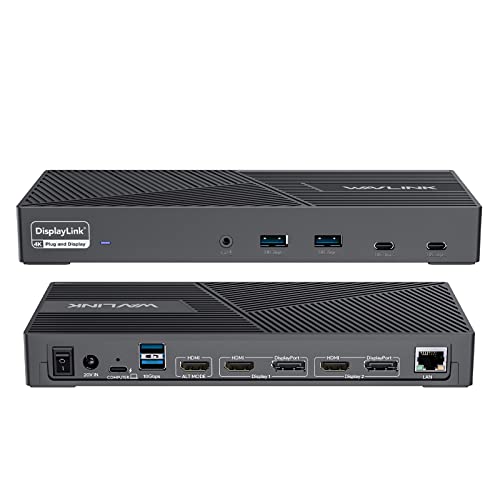
A more accessible route to multiple displays, Ethernet, USB expansion, and laptop charging.
WAVLINK
Built specifically for users who care more about running several external displays than simple plug-and-play operation.
Anker
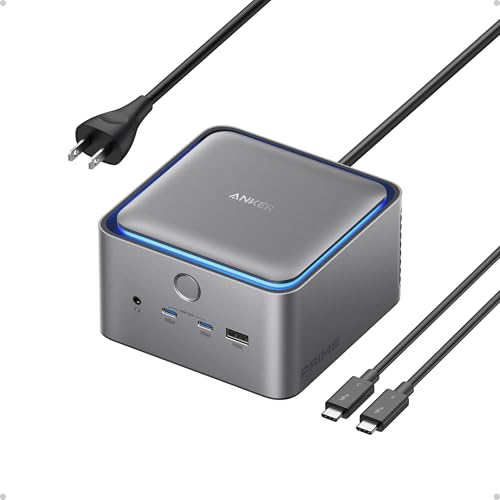
Thunderbolt 5 bandwidth, 140W laptop charging, fast networking, and high-end display support.

WAVLINK
Combines a Thunderbolt 5 dock with an internal NVMe SSD slot for demanding study, research, and creator workflows.